Connecting Enapter MCP to Claude Code
This guide explains how to connect Enapter MCP Server to Claude Code, Anthropic's CLI tool for software engineering.
Prerequisites
- Claude Code installed (
npm install -g @anthropic-ai/claude-code) - An active Enapter Cloud 3 subscription
Remote MCP Server
Add the Enapter MCP server using the CLI:
claude mcp add --transport http enapter https://mcp.enapter.com/mcp
Follow the authentication prompts to authorize access to your Enapter Cloud account.
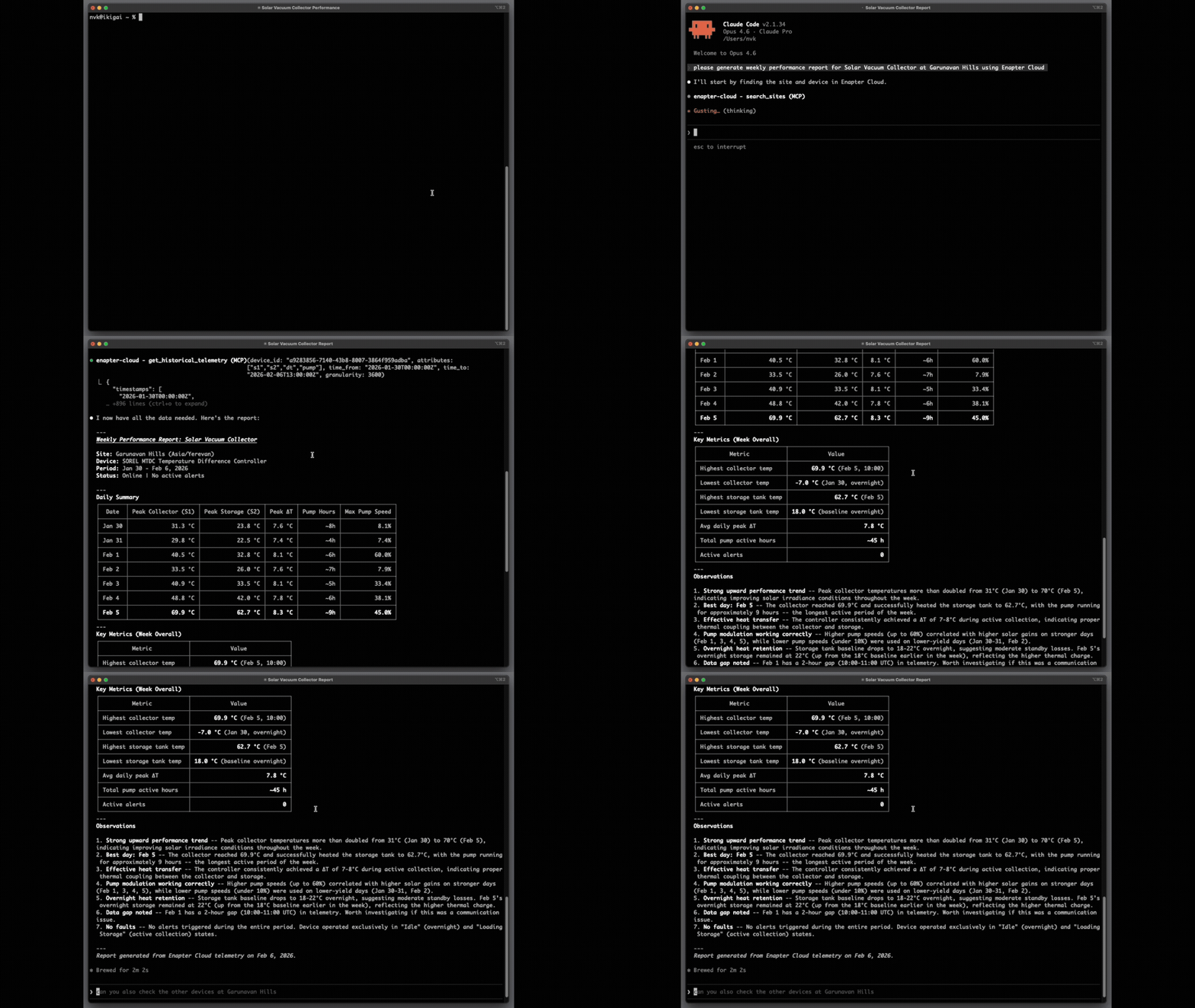
Once connected, Enapter tools will be available in your Claude Code sessions. You can verify the connection by asking Claude Code about your energy data.
Try asking Claude Code something like:
"Show me the list of my Enapter devices."